The PostgreSQL client in your pocket, now at your desk.
PG Orbit for Mac is the same client you use on iPhone and iPad — native, signed, and sandboxed, with a true desktop workspace. Sign in once and your connections and saved queries are already there.
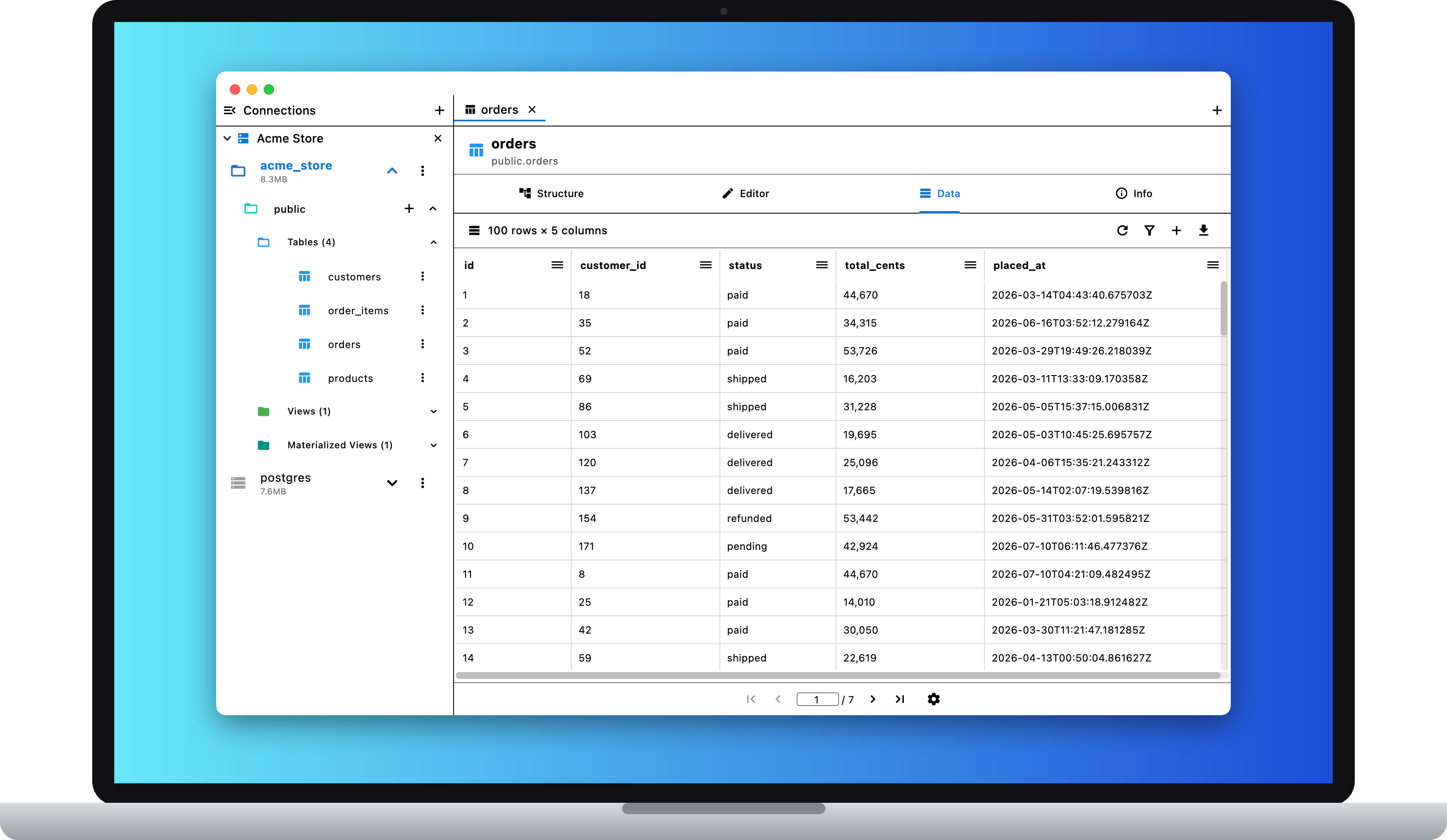
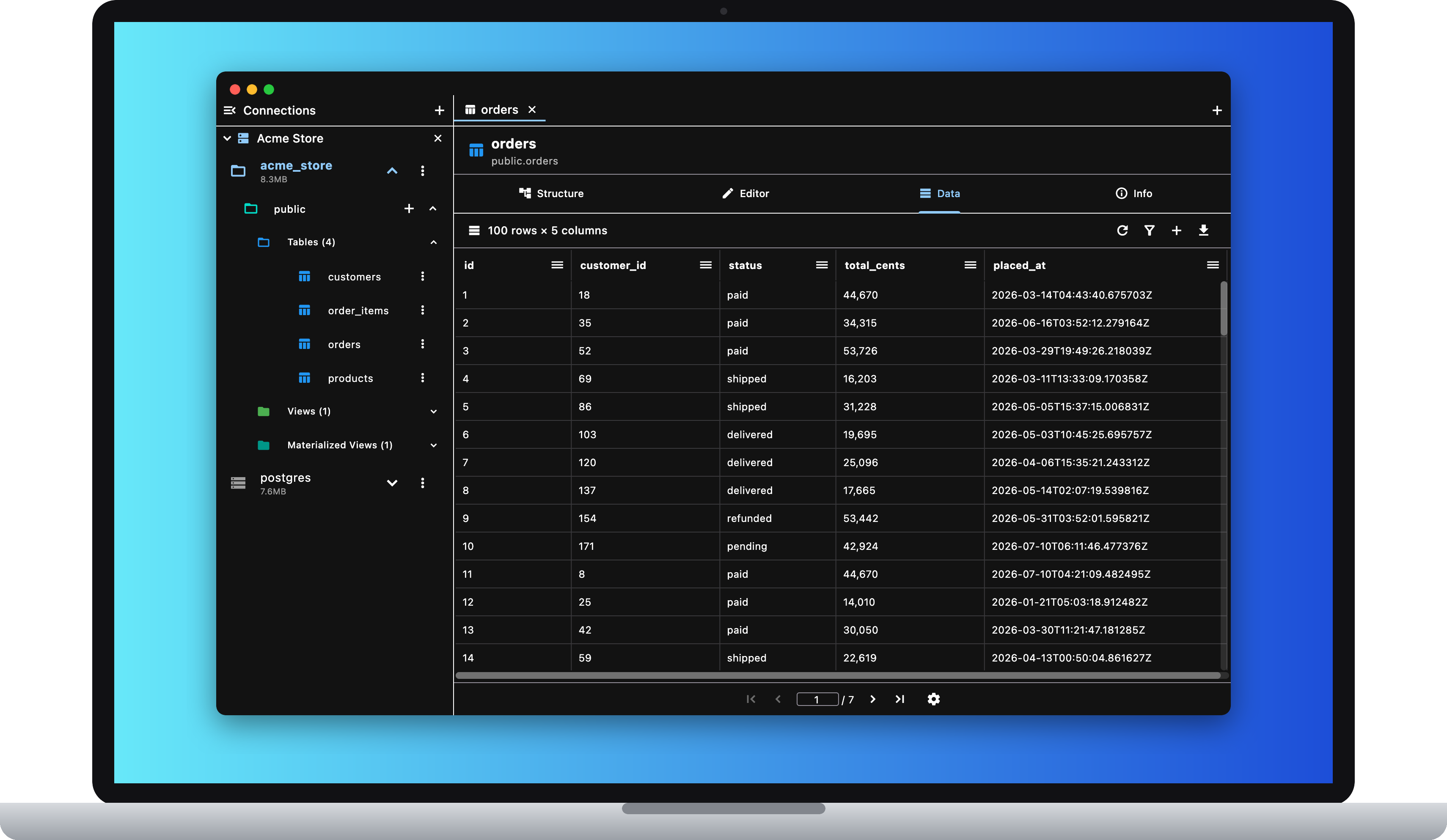
A real desktop workspace
Sidebar, tabs, and shortcuts
A pinned sidebar of open connections and the schema tree, with object tabs and SQL query tabs. Cmd+T for a new query, Cmd+W to close, Cmd+1–9 to jump between tabs.
A full menu bar
Real macOS menus — Edit, View, Query, and Window — plus Cmd+N for a new connection, Cmd+, for settings, and Cmd+\ to toggle the sidebar.
Made for the mouse
Right-click context menus on connection cards, the schema tree, grid cells, and the editor. Double-click a cell to edit it. Visible scrollbars everywhere.
Sandboxed and signed
A signed, sandboxed Mac App Store app with hardened runtime. CSV exports land straight in your Downloads folder; credentials live in the macOS Keychain.
Your phone already set it up
With Sync, the connections and saved queries on your iPhone appear on your Mac the moment you sign in — and passwords, SSH keys, and passphrases never leave each device’s keychain.
Pricing: free for read-only, Premium $9.99 once, Sync $1.99/mo →