A real PostgreSQL client on your phone.
New in 2.0: your devices, in sync.
Desktop workspace
A sidebar of open connections, object tabs and SQL tabs (Cmd+T/W, Cmd+1–9), a full menu bar on macOS, right-click menus, and keyboard shortcuts with platform-correct labels.
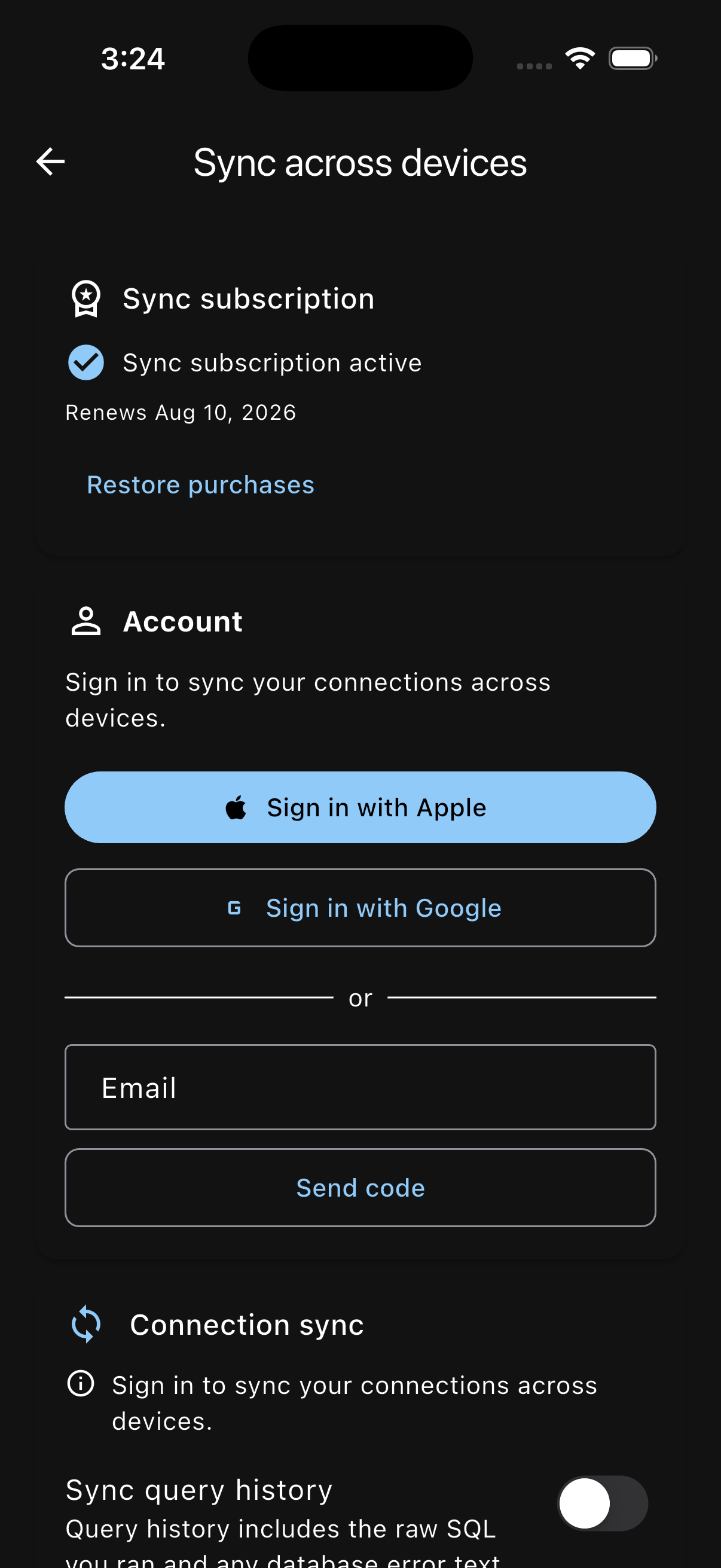
Sync across devices
Connections and saved queries follow you. Per-entity merging, manual “Sync now” plus auto sync — and pull-to-refresh syncs too.
How sync works →One account
Sign in with Apple, Google, or an email code — and all three work on every platform.
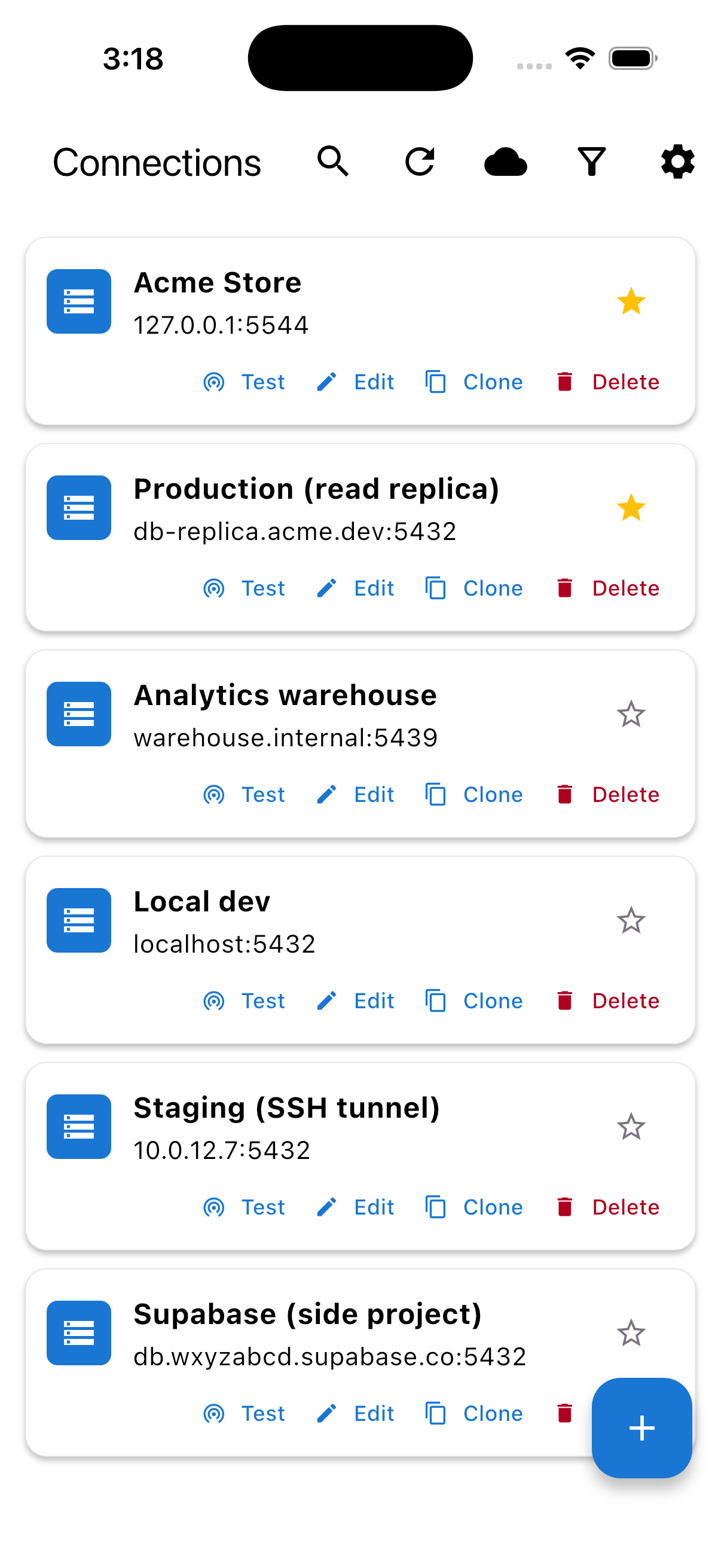
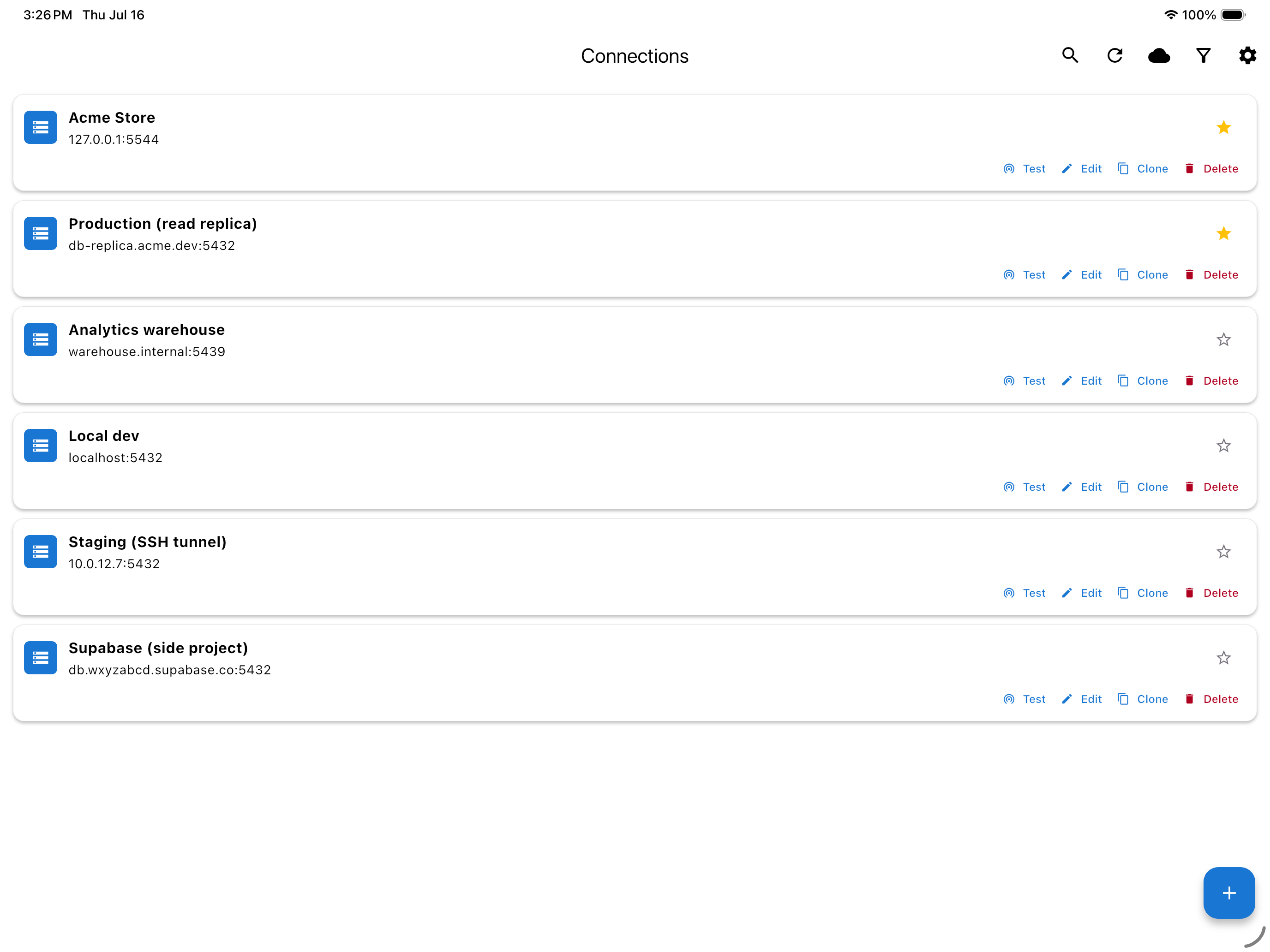
The same connections on both devices, right after a sync. Read the full 2.0 notes .
Paged at 2 a.m.?
-
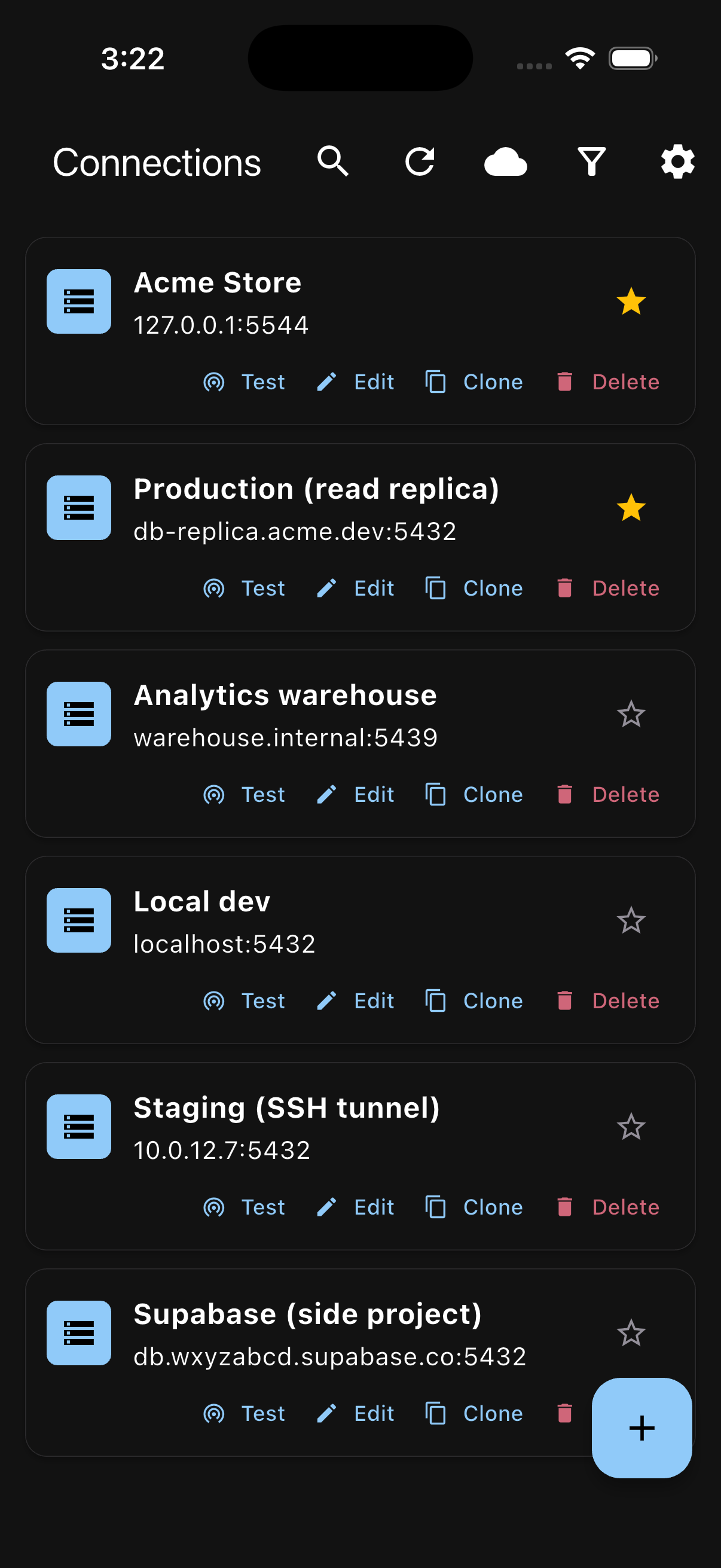
1. Connect over SSH.
-
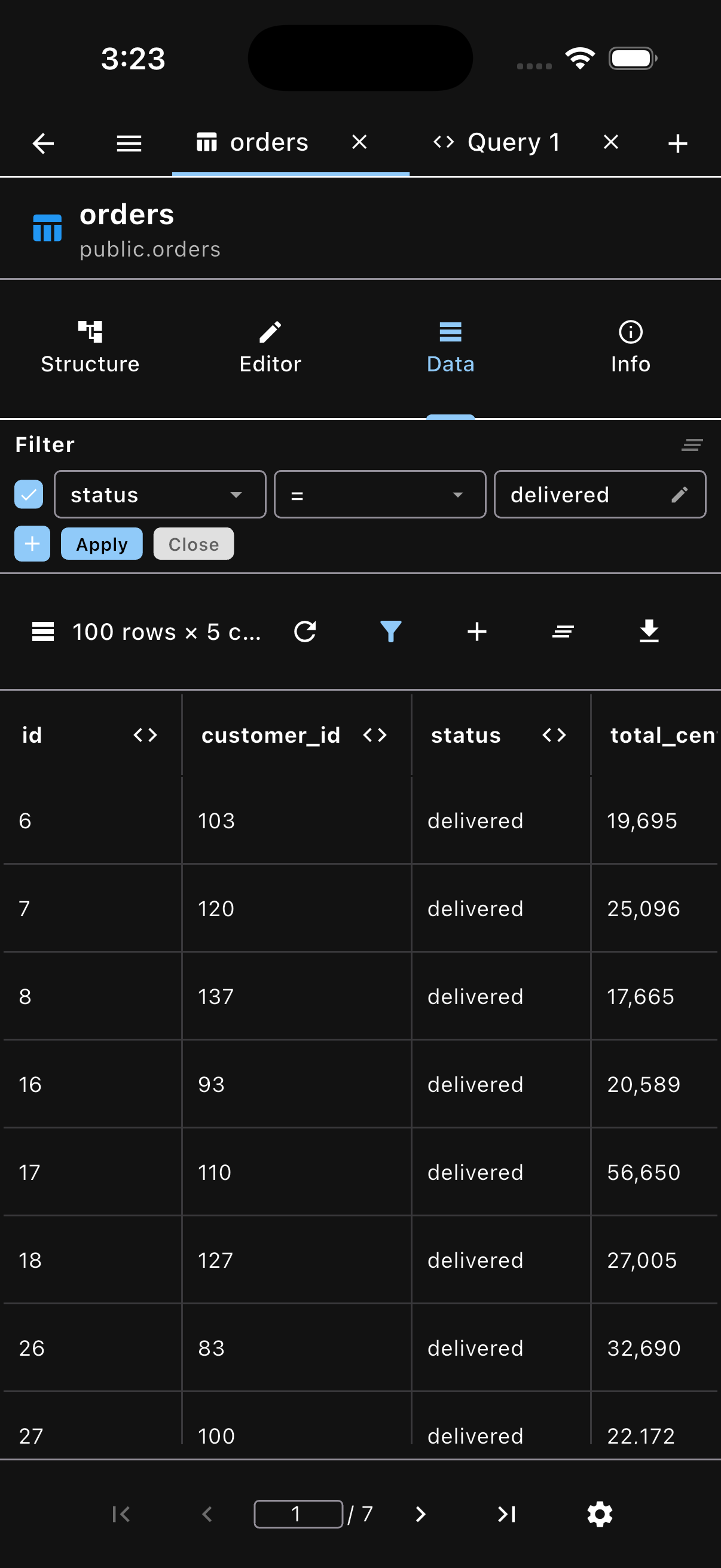
2. Find the bad row.
-
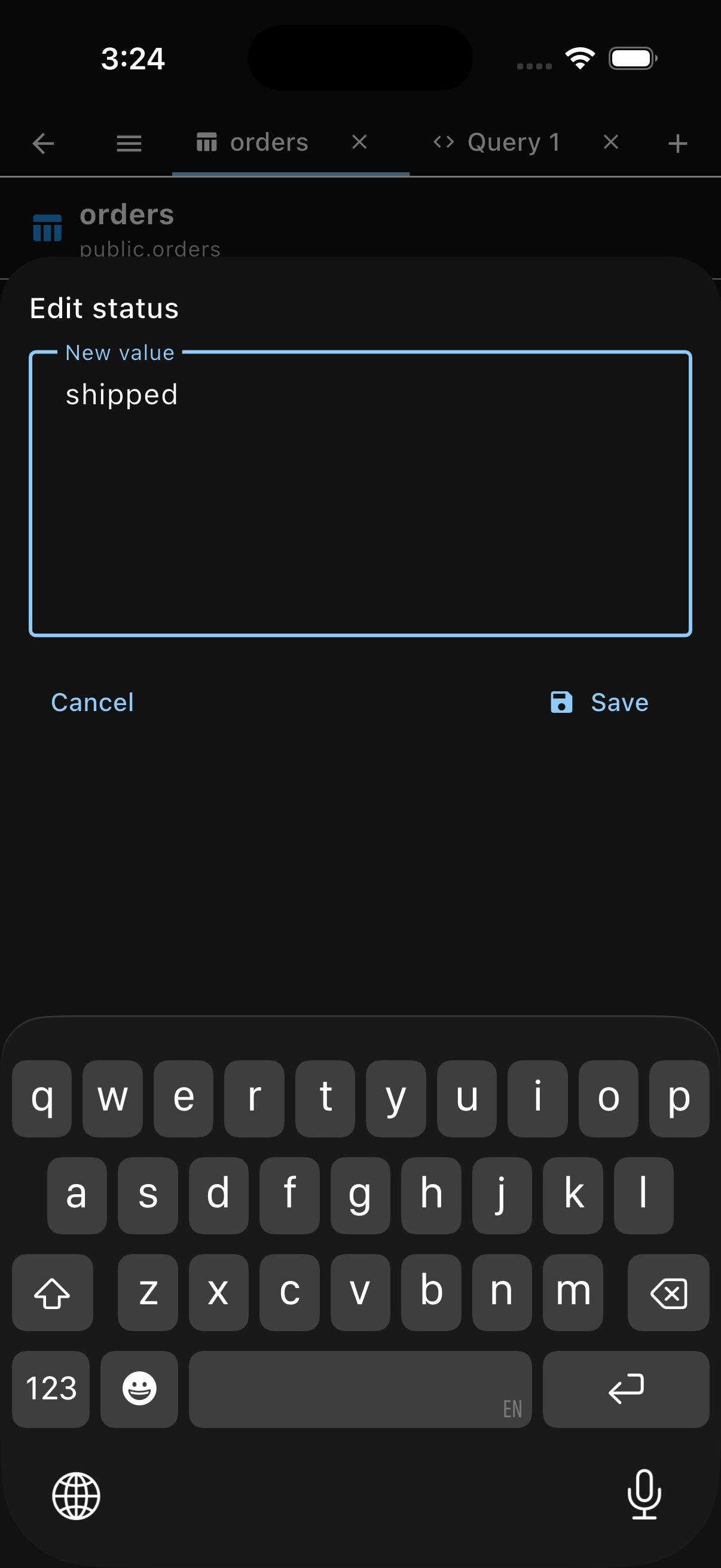
3. Fix it and go back to bed.
No laptop. No VPN client. No pgAdmin tab from 2019.
Everything you need to manage PostgreSQL on the go
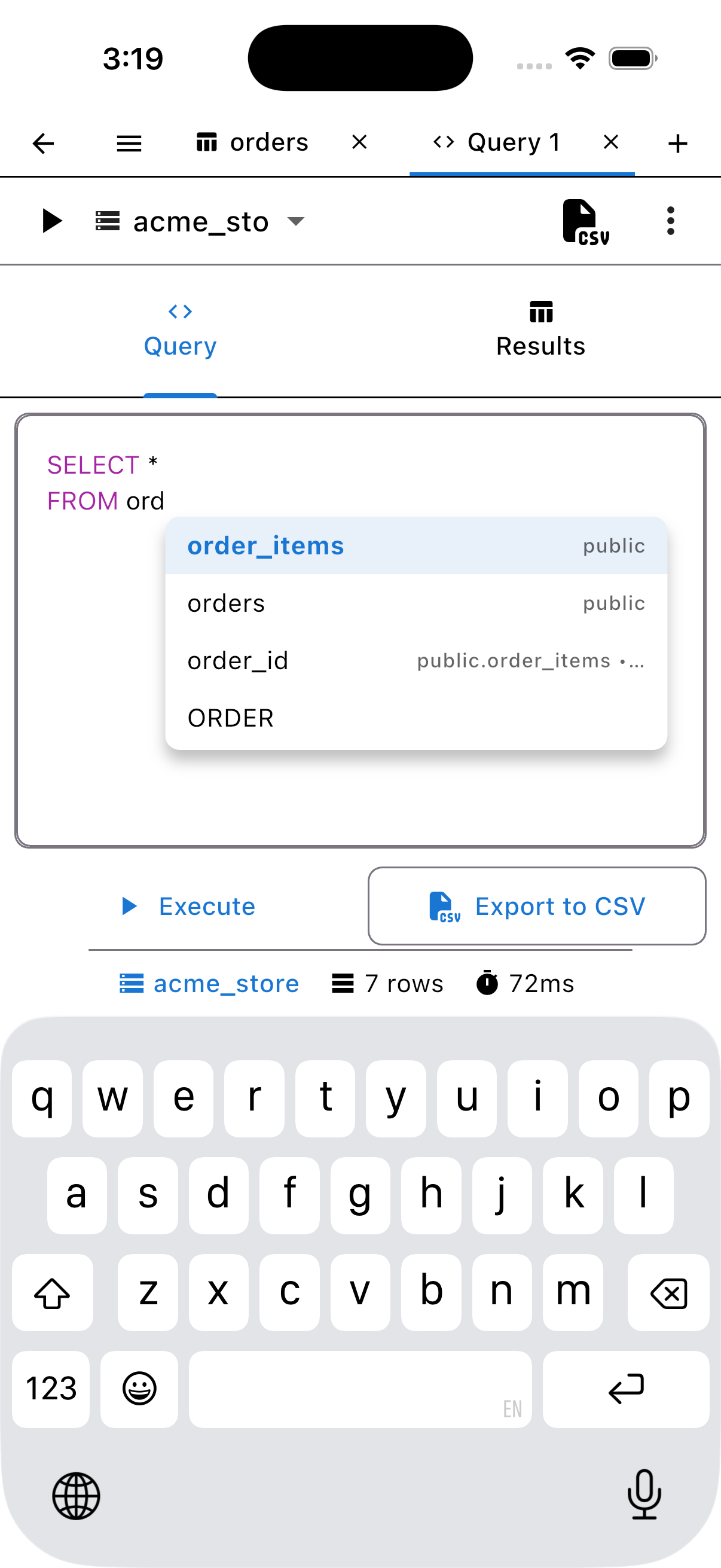
Keyword hints, one-tap table suggestions with schema context, and inline column and type recommendations that stay visible with the keyboard up. Find and replace, comment toggle, saved queries, and history with favorites.
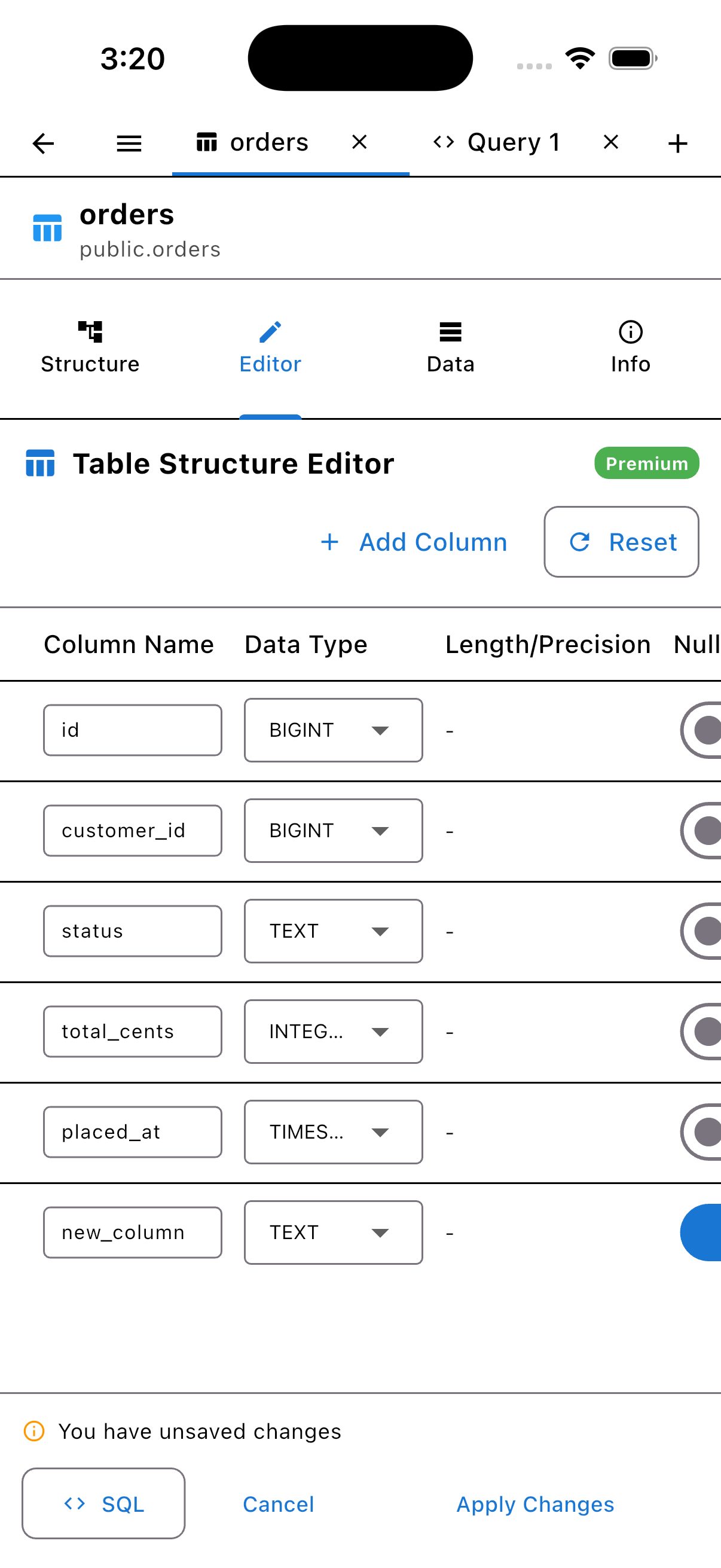
Create and modify tables with a preview of the exact DDL before it runs — and drop with optional cascade.
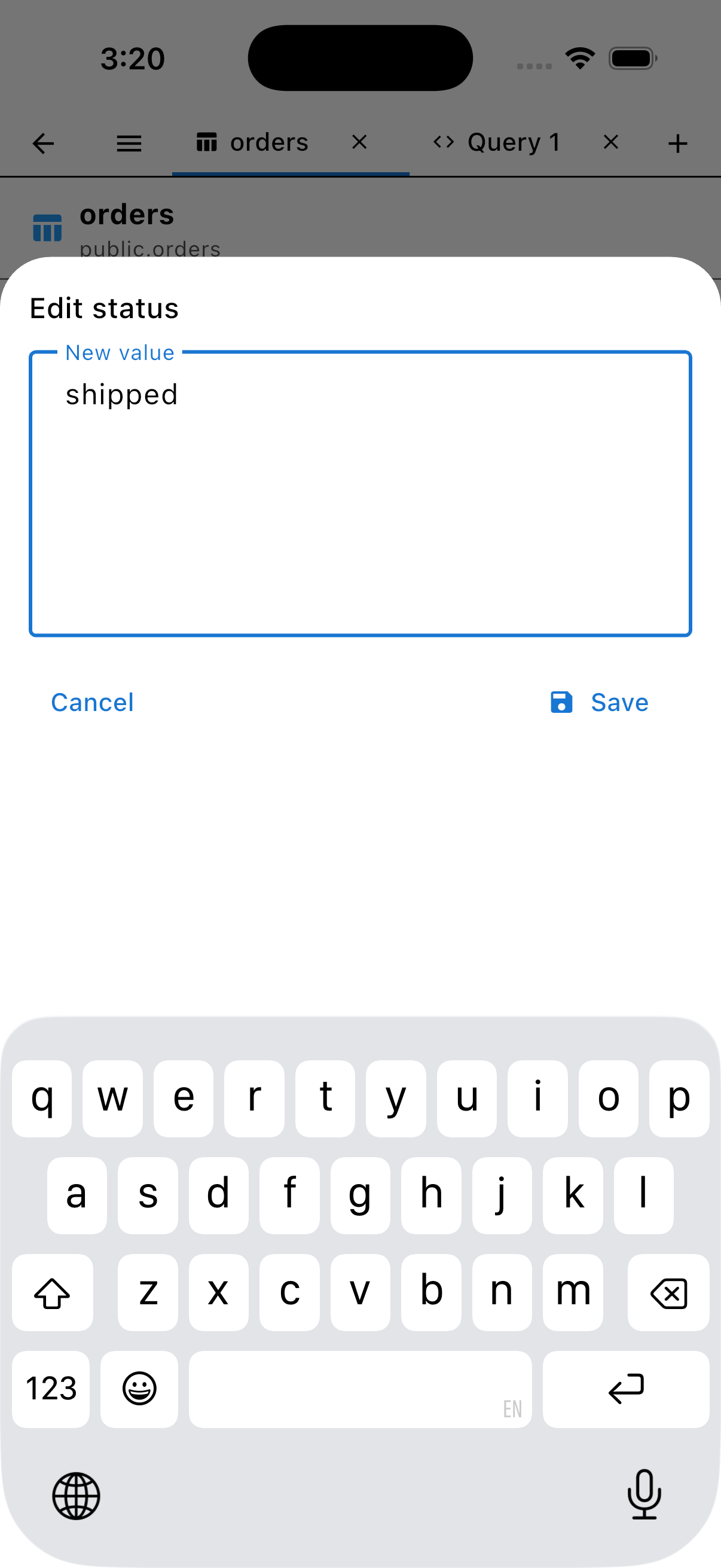
Edit data in place
PremiumMulti-column filters with AND/OR logic, sorting, a cell inspector with in-place editing, row insert, and json/jsonb-tolerant editing. Writes are Premium.
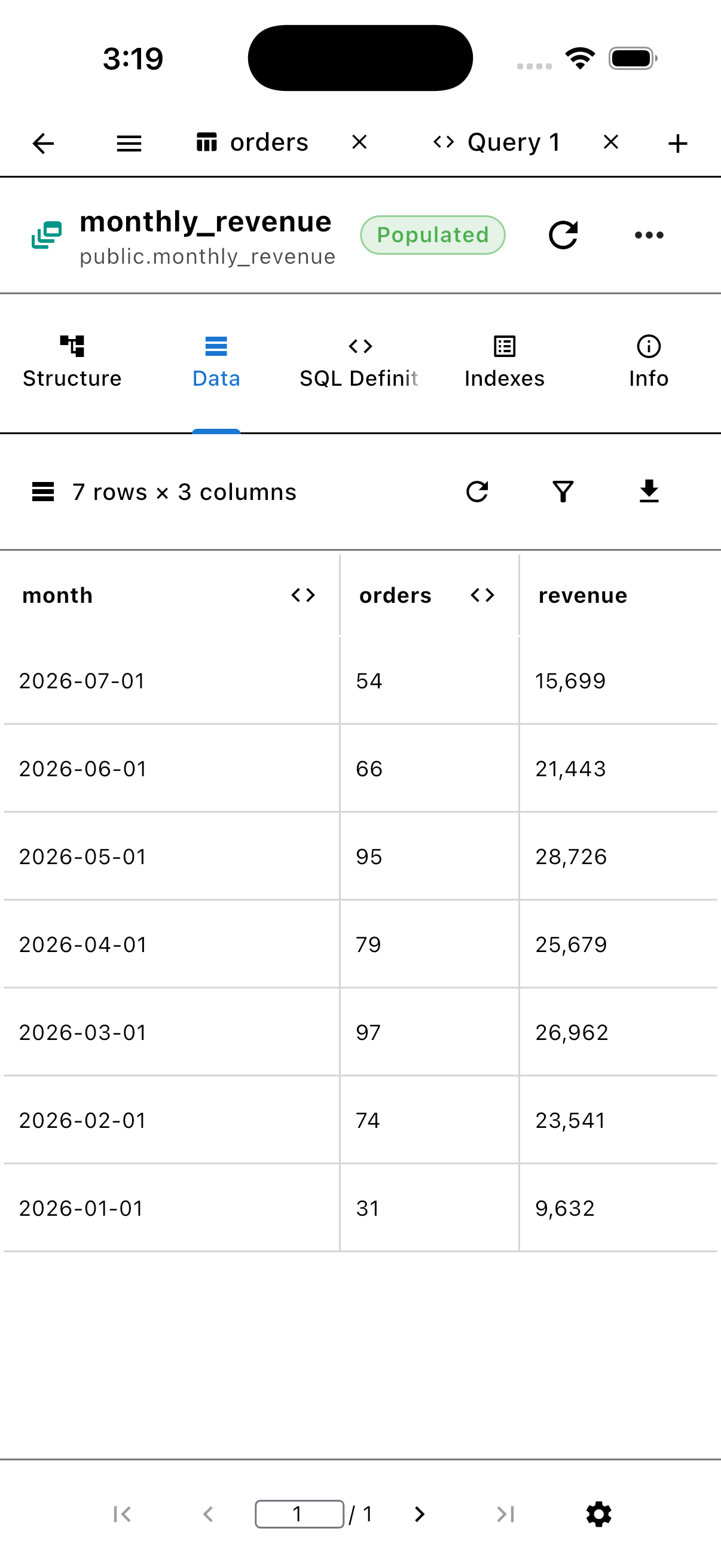
Full schema explorer
Matviews newDatabases, schemas, tables, views, materialized views, functions, and sequences — and it works on hardened hosts like Heroku shared plans.
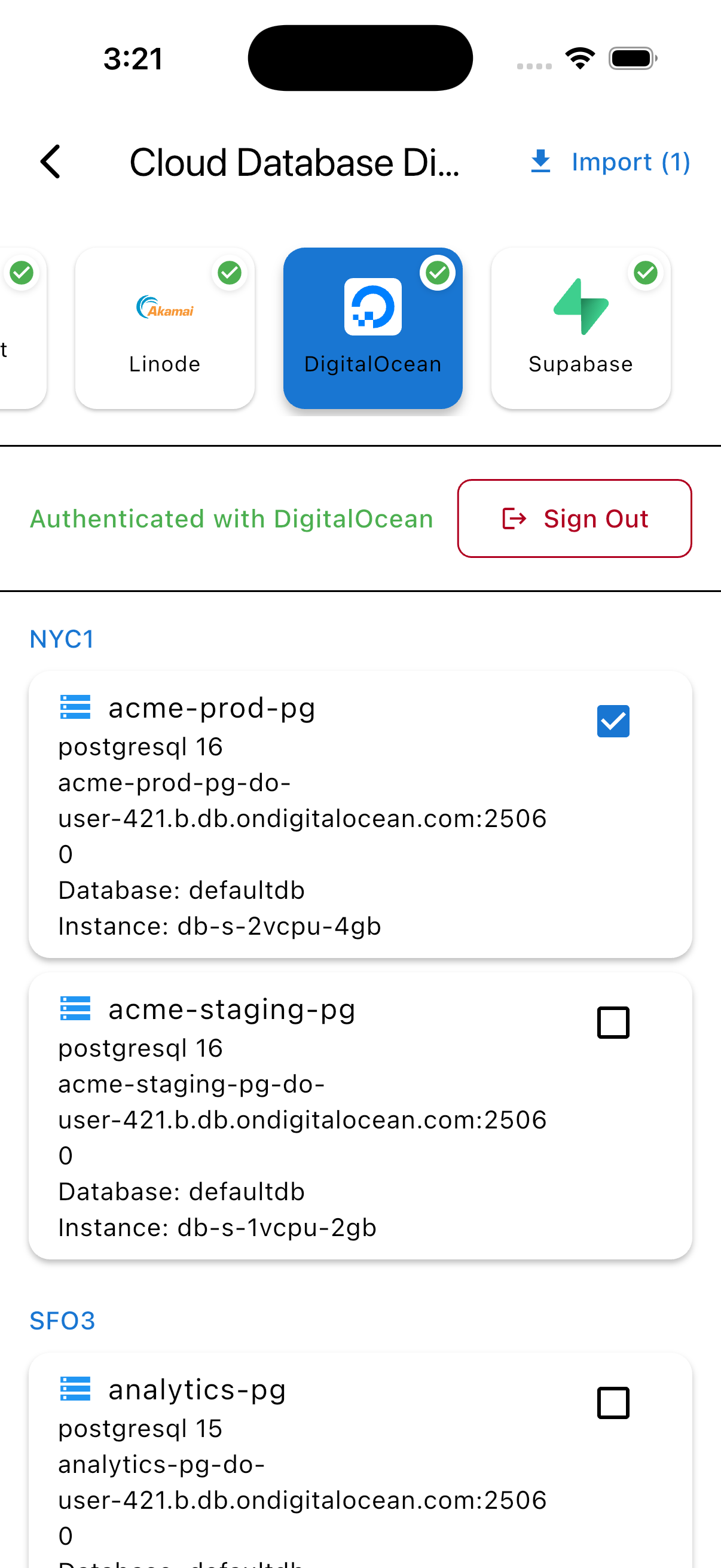
Sign in to your provider and import instances: AWS Google Cloud Azure DigitalOcean Linode Supabase
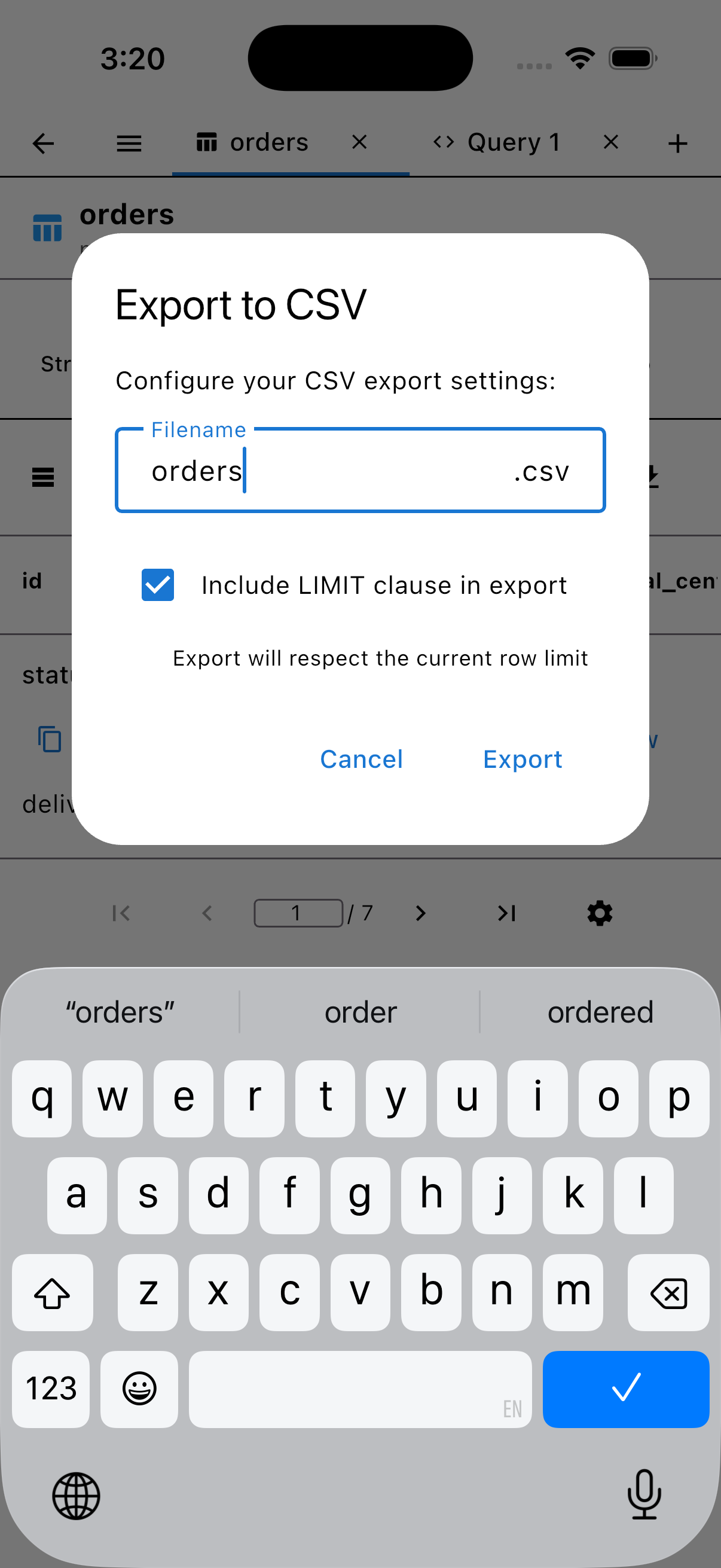
CSV export with progress
PremiumRun a query, export the results, and watch the progress. On desktop it lands in ~/Downloads. Export is Premium.
Your secrets stay on your device.
-
Keychain-only secrets
Passwords and SSH keys are encrypted in the device Keychain or secure storage — never on our servers.
-
Biometric lock
Face ID, Touch ID, or fingerprint, with auto-lock when you switch apps.
-
SSL/TLS done right
Require and Verify-Full modes, CA certificates, and mutual TLS with a client cert and key.
-
SSH keys, properly
Generate RSA keys on device, or import RSA and Ed25519 — passphrases supported.
-
Read-only by default
The free tier runs every query inside a PostgreSQL read-only transaction.
Your device’s keychain
- Passwords
- Private keys
- Passphrases
Never leaves your device.
PG Orbit sync server
- Host, port, database, user
- SSH settings
- Saved queries
Metadata only.
Deleting your account from settings removes the server account and all synced data.
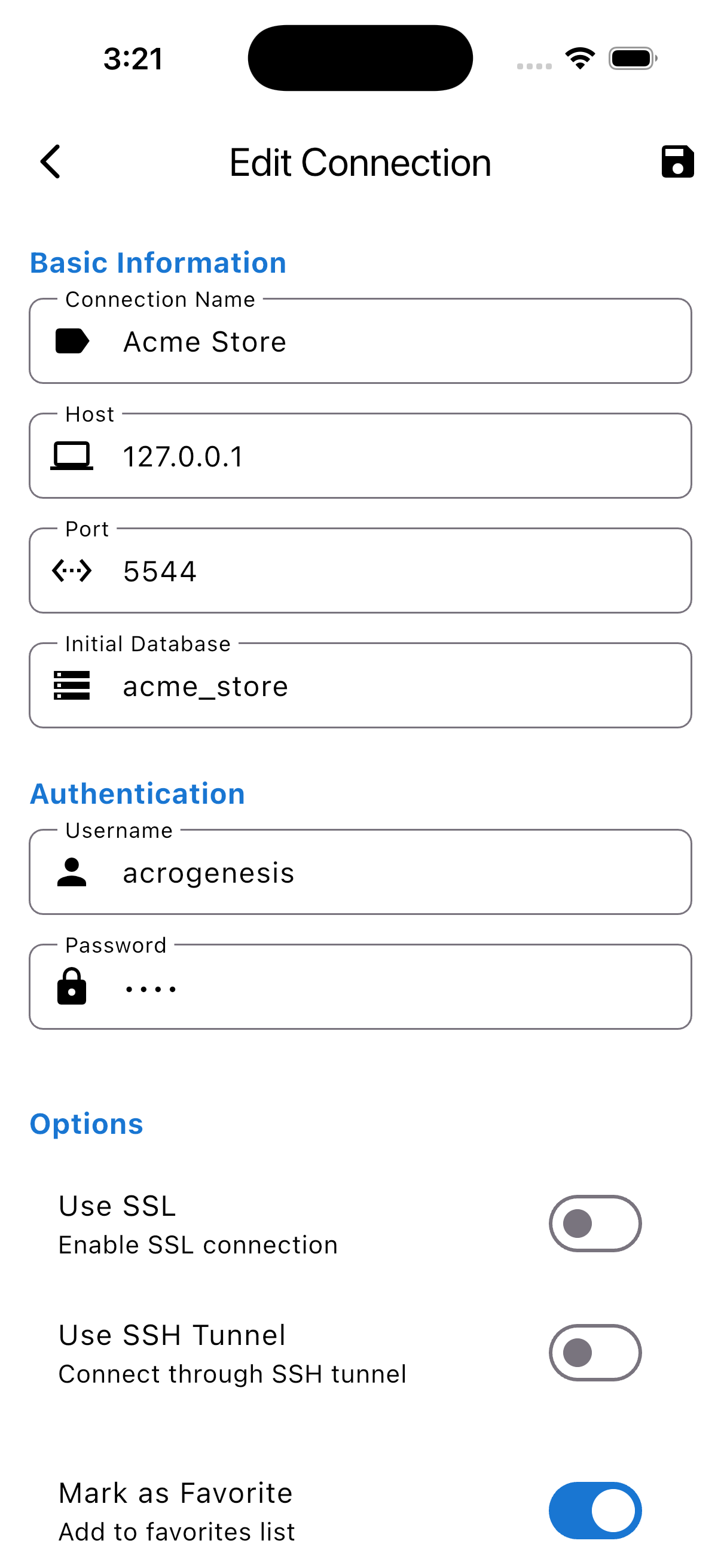
Sync that knows what not to sync.
Query-history sync exists, but it is opt-in and off by default — because your history contains your raw SQL and error text. The toggle lives in Sync settings, next to a privacy notice that says exactly that.
Sync comes with Pro ($4.99/month or $29.99/year), or on its own for Lifetime owners at $2.99/month or $19.99/year. Cancel anytime in the App Store or Play Store; on Linux and Windows, from Settings → Sync.
Pro has everything; Lifetime is yours forever. Either way, your secrets never leave your Keychain.
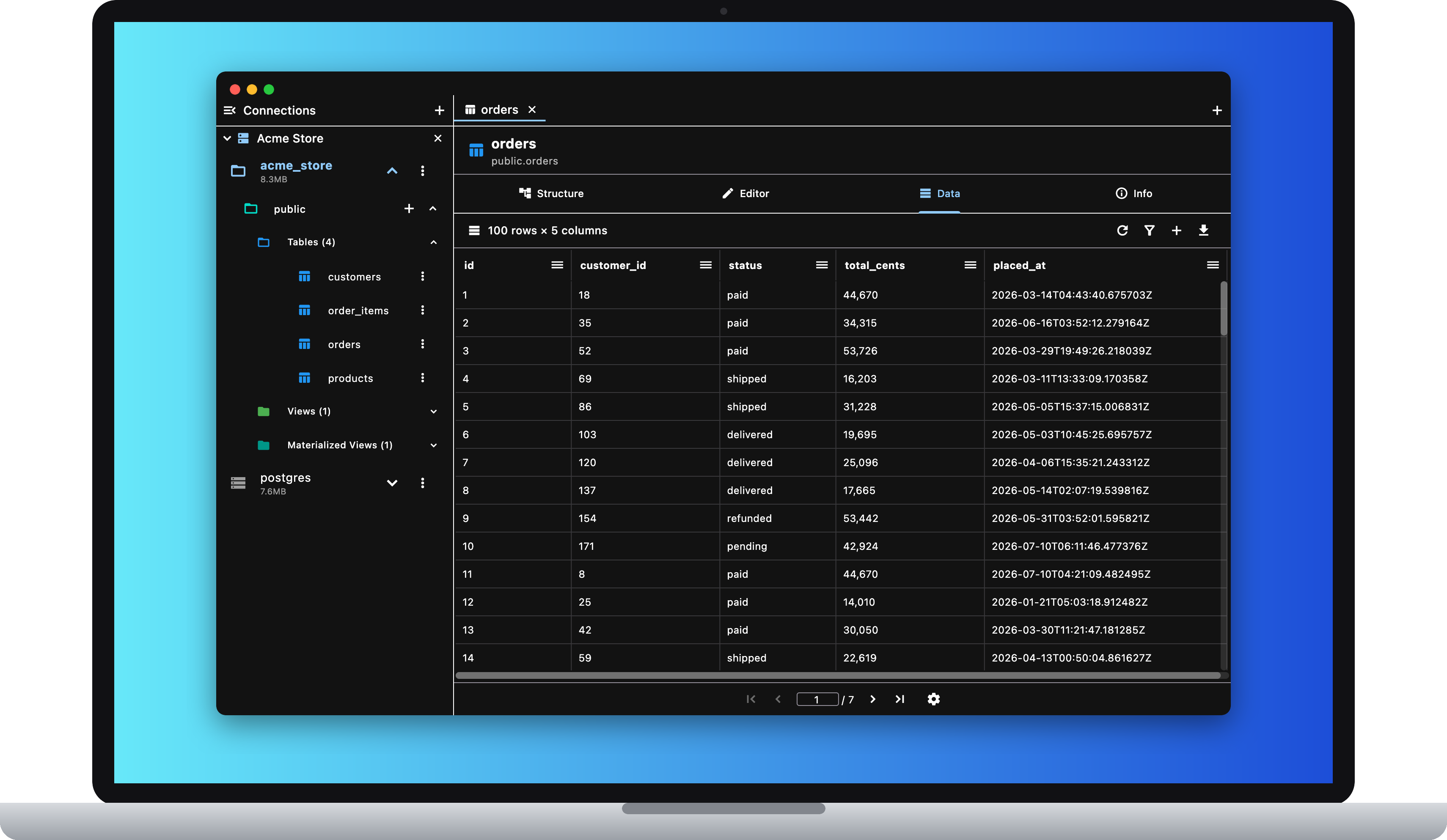
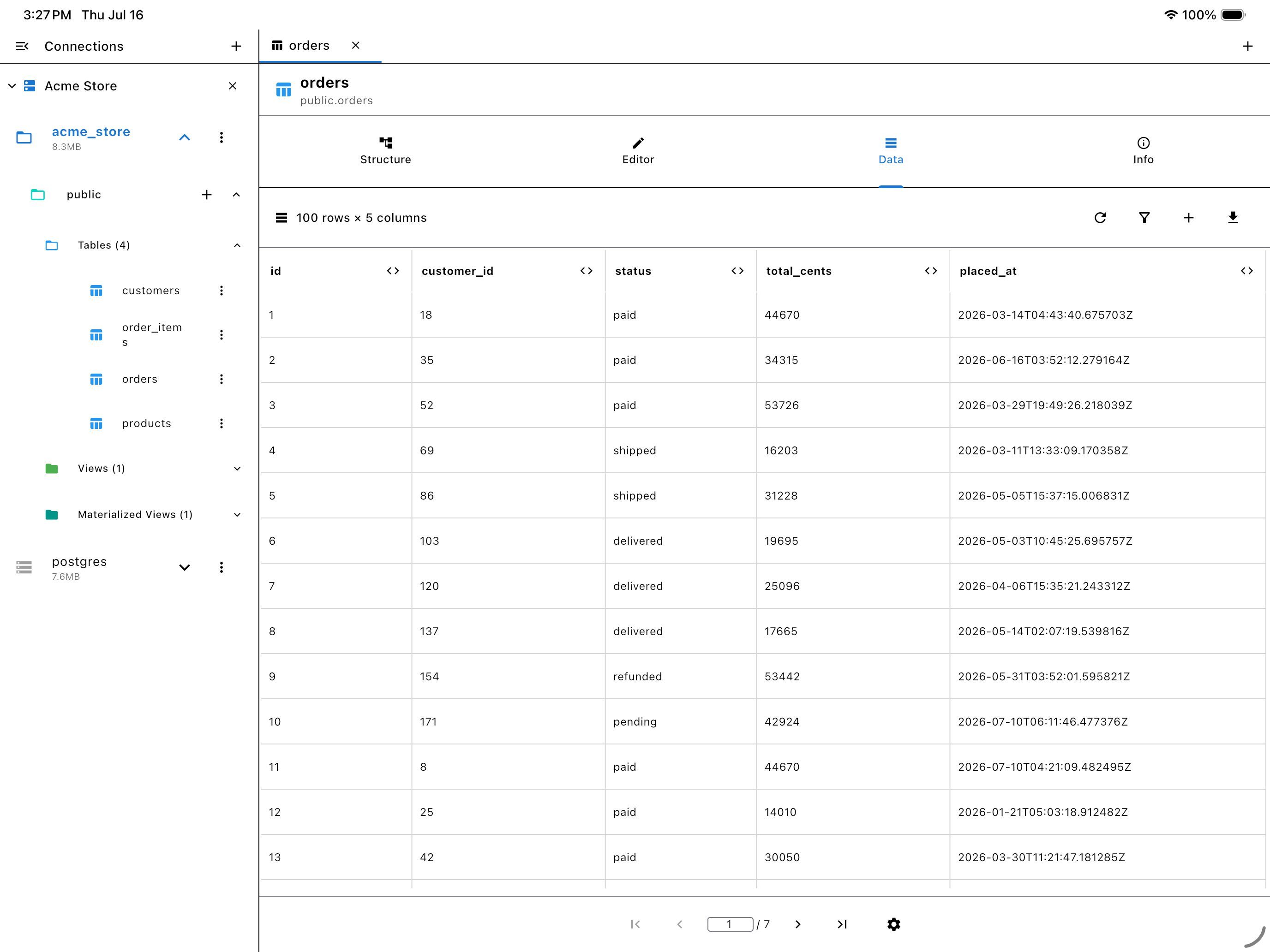
Same app, every screen.
On a bigger screen, PG Orbit becomes a workspace: a pinned sidebar of open connections, object tabs and SQL query tabs (Cmd+T, Cmd+W, Cmd+1–9), and right-click context menus on connection cards, the schema tree, grid cells, and the editor.
Keyboard shortcuts everywhere, with platform-correct labels (⌘ on macOS). Double-click a cell to edit it. Pick your UI density — Compact or Standard. The layout adapts from phone to tablet to desktop width, and on macOS it ships as a signed, sandboxed app.
Pricing that respects you.
Reads are free, forever. Pro is everything for one subscription. Rather pay once? Lifetime Premium is yours forever.
Free
$0, forever
Read-only: every free query runs inside a read-only transaction. No trial, no time limit.
- Browse and query (read-only)
- Full schema explorer
- AND/OR filtering
- SSL/TLS + SSH tunneling
- SSH key management
- Cloud discovery
- Biometric lock
- Multiple connections
Pro
Premium + Sync$29.99/yr
or $4.99/mo · 7-day free trial on yearly
- All write operations (INSERT, UPDATE, DELETE, CREATE, ALTER, DROP)
- Cell and row editing
- Table changes and CSV export
- Connections and saved queries across devices
- Opt-in query history across devices
Cancel anytime in the App Store or Play Store.
Lifetime
$59.99, one time
Premium, yours forever — buy once.
- All write operations
- Cell and row editing
- Table changes and CSV export
- Add Sync for $2.99/mo or $19.99/yr
Frequently asked questions
If you have anything else you want to ask, reach out to us .
-
-
What's free and what's Premium?
Free is read-only — every free query runs in a read-only transaction. All writes, CSV export, and schema changes are Premium, which comes with Pro or Lifetime.
-
Pro or Lifetime?
Pro is Premium plus Sync for $4.99/month or $29.99/year, with a 7-day free trial on yearly. Lifetime is Premium only, $59.99 once, in the app or on the web.
-
Can I add Sync to Lifetime?
Yes — Lifetime owners can add Sync on its own for $2.99/month or $19.99/year.
-
-
-
What happens if I cancel?
Pro runs until the end of the period you paid for, then the app goes back to read-only. Cancel Sync as a Lifetime owner and Premium keeps working; only syncing stops.
-
Do my passwords sync?
No — passwords and private keys never leave your device's keychain. The server stores connection metadata and saved queries only, and query-history sync is opt-in and off by default.
-
Does deleting my account cancel the subscription?
A subscription paid on the web, on Linux, or on Windows is cancelled. One bought in the App Store or Play Store is not: deleting the account removes the server account and all synced data, and the subscription is managed in the store.
-
-
-
Which PostgreSQL versions and hosts?
PostgreSQL 9.6 and later, including AWS RDS and Aurora, Cloud SQL, Azure, DigitalOcean, Linode, Supabase, and Heroku.
-
What devices?
iPhone and iPad (iOS 15+), Android phones, tablets, and foldables; macOS 12+; x86_64 Linux (glibc 2.35+) as an AppImage or tarball; and 64-bit Windows 10 (1809+) and 11 as an installer or portable zip.
-
What languages?
English and Español.
-
Put PostgreSQL in your pocket.
Passwords and SSH keys never leave your keychain.
Free forever for read-only. Pro is $29.99 a year; Lifetime is $59.99, once.