PG Orbit, now on Windows.
The same PostgreSQL client you use on your phone, Mac, and Linux, as a desktop app for Windows 10 and 11. Sign in once and your connections and saved queries are already there.
Version 2.9.1 · x64 · All releases and checksums
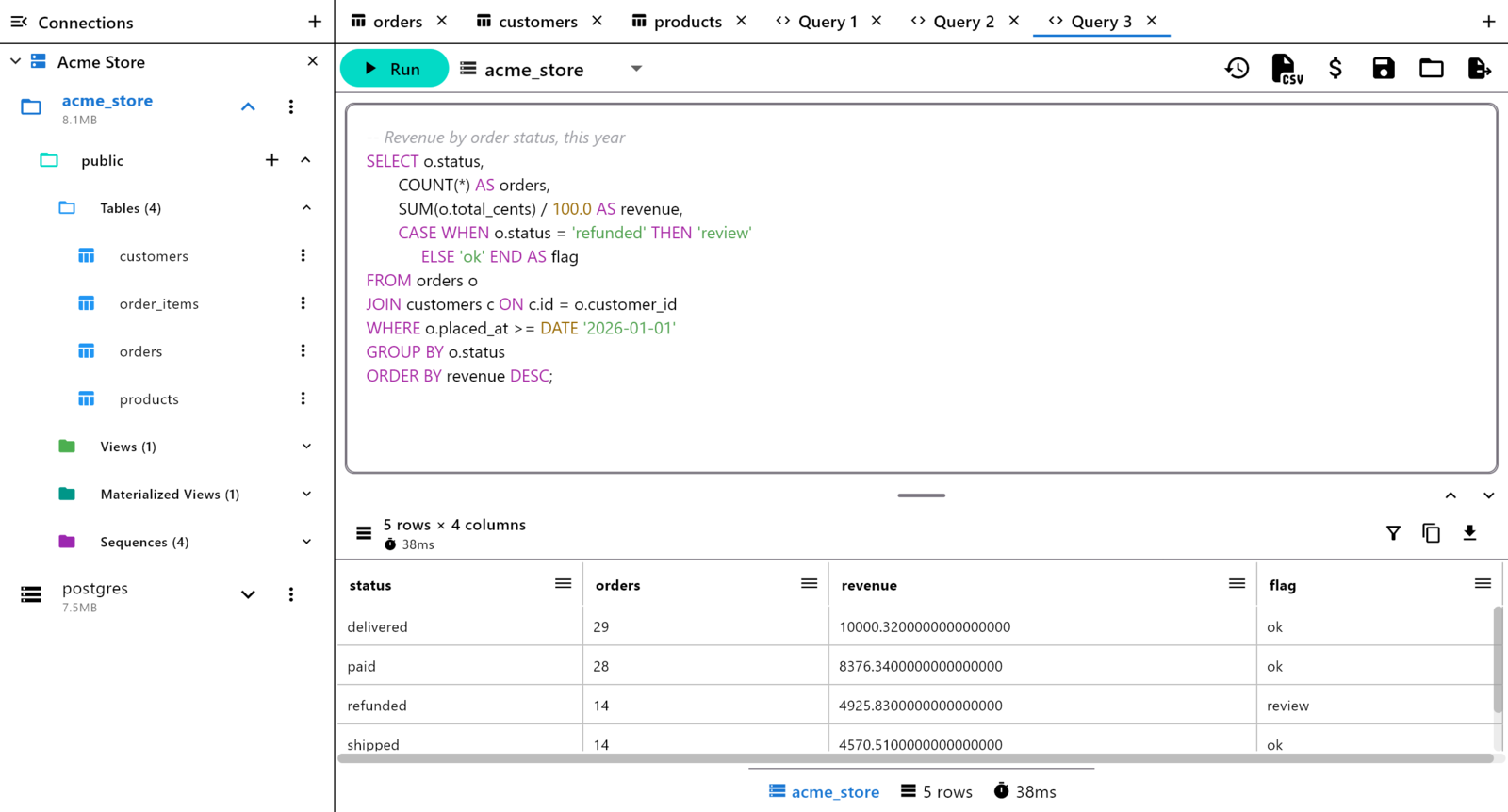
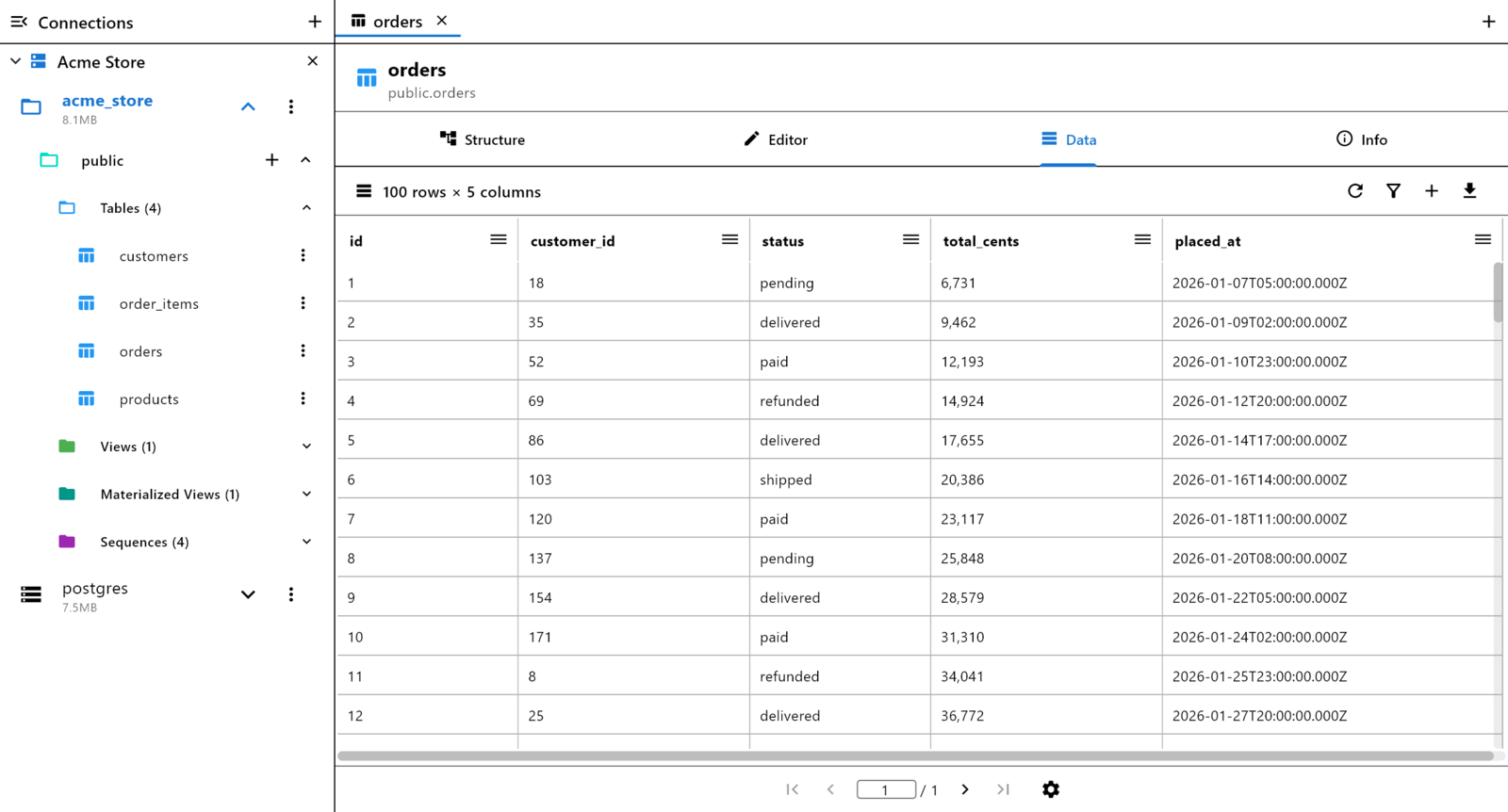
A desktop workspace
A pinned sidebar with your connections and the schema tree, tabs for tables and queries (Ctrl+T for a new query, Ctrl+W to close), a SQL editor that knows your schema, and a results grid you can filter and edit. Passwords and SSH keys are encrypted with Windows data protection and never leave your PC.
Install
Installer
Run PG_Orbit-2.9.1-windows-x64-setup.exe. It
installs for your user, with no administrator prompt, and adds PG
Orbit to the Start menu. To update, run the newer installer; it
replaces the old version and keeps your connections.
Portable zip
Extract pg-orbit-2.9.1-windows-x64.zip
anywhere and run pg_orbit.exe. Nothing is installed.
These downloads aren't code-signed, so the first time you open one, Windows may say Windows protected your PC. Choose More info, then Run anyway. Edge may also ask whether to keep the file.
Requires 64-bit Windows 10 (version 1809 or newer) or Windows 11.
Free to use. Premium with Pro or Lifetime.
Browsing and read-only queries are free forever. Subscribe to Pro — Premium and Sync, $4.99/mo or $29.99/yr — from the app's upgrade screen, paid by card through Stripe. Or buy Lifetime Premium here, $59.99 once: it unlocks with the license key we email you, or by signing in with the same email.
It works on your other devices too: sign in with the same email.
Compare Free, Pro, and Lifetime →